If You're Searching for Templates, You're Already Too Diligent
"Tutor invoice template"—the only people searching for this are conscientious tutors who genuinely want to bill their clients properly.
But let's be honest.
Even after you find a template, the monthly nightmare never ends.
A template is just an empty box. The work of filling it in by hand every month never goes away.
The Hidden Time Cost of Invoice Creation
Just plugging numbers into a template? It's never that simple.
1. Tallying Session Counts
Scroll through your calendar or notes to count how many sessions you held this month. With 5 students, that's 5 rounds of counting.
2. Calculating Amounts
Hourly rate × hours + transport costs. Families with sibling discounts need separate calculations. And what about tax—how do you handle that as an independent tutor?
3. Transcribing to the Template
Manually enter all your tallied figures into an Excel or Word template. One copy-paste mistake and you're in trouble.
4. Exporting to PDF and Sending
Save as PDF, attach to an email, and send to each family. Don't forget to add the date to the filename…
5. Double-Checking
Verify there are no calculation errors. Cross-reference with last month's invoice. If a parent says "the amount is wrong," your credibility is instantly destroyed.
With just 5 students, this process eats up 2–3 hours every month. For tutors with more students, it can consume half a day.
What Does "No Template Needed" Actually Mean?
The answer is simple.
The moment you add a lesson to your calendar, all the invoice data already exists.
- Lesson date and time → Already in your calendar
- Number of sessions → Automatically counted from the calendar
- Amount → Hourly rate set once per student
- Transport costs → Set once per student
In other words, there's literally no new information to enter at month-end.
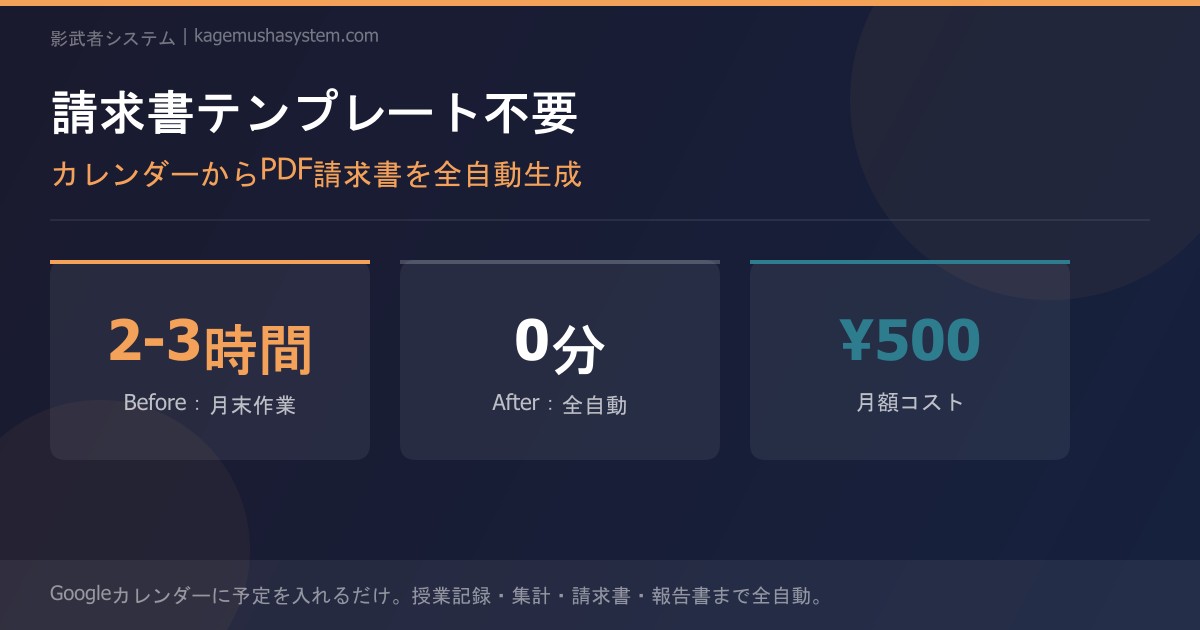
Tally at month-end → Transcribe to template → Calculate → Export to PDF → Email → Verify
Time required: 2–3 hours
Auto-tally on the 1st → PDF invoice auto-generated → Automatically reflected on parent dashboard
Time required: 0 minutes
What's in an Auto-Generated Invoice?
"But does auto-generated actually produce a proper invoice?"
Yes. Here's exactly what gets populated automatically:
| Item | Manual Template | Auto-Generated |
|---|---|---|
| Student name | Manual entry | Automatic |
| Lesson dates & count | Transcribed from calendar | Auto-pulled from calendar |
| Hourly rate × hours | Calculator | Auto-calculated |
| Transport costs | Manual entry | Auto-added |
| Sibling discount | Manual calculation (error-prone) | Auto-combined with discount applied |
| Total amount | Manual calculation | Auto-calculated |
| PDF export | Manually saved | Auto-generated |
| Delivery | Email attachment | Always available on parent dashboard |
Escape the Sibling Discount Calculation Nightmare
For independent tutors, the most painful calculation is the sibling discount.
"The older brother has 2 sessions a week, the younger sister has 1. There's a 10% sibling discount on the total. But transport is only charged once. And the brother was sick and missed a session, so…"
Do this math by hand, and you will make a mistake somewhere. And when a wrong invoice goes out, the parent's trust collapses instantly.
With auto-generation, you simply register siblings once, and every monthly invoice is automatically combined with the correct discount applied. Zero risk of calculation errors.
Turn Your "Template Search Time" into an Investment
Right now, you've spent time reading this article because you were searching for an invoice template.
There's a world where that time can be spent on far more valuable things.
Instead of searching for an empty "box," get a system that makes the box unnecessary.
Summary
- A template is just a "box." The monthly work of filling it in never disappears
- The moment you add lessons to your calendar, all invoice data is already there
- With auto-generation, month-end tallying, calculating, PDF creation, and delivery all drop to zero
- Calculation errors for sibling discounts and transport costs are completely eliminated
→ Learn more here
Still managing tutor attendance manually?
Discover Kagemusha System