"Did You See Last Week's Report?" — The Question You Dread
Have you ever been asked this during a parent meeting?
"Um… I missed your LINE message last week… Could you tell me again?"
There's no ill intent. It's just that LINE chats get mixed in with family messages, mom-friend group chats, and school notifications — and they keep scrolling away. The lesson report you carefully wrote disappears off the screen at the same speed as a supermarket flyer.
The Limits of LINE and Email
LINE's Limitations
- Messages get buried: Finding a message from a week ago is a struggle
- Poor searchability: Searching for "last month's math progress" yields nothing useful
- "Read" ≠ understood: A read receipt doesn't mean the content was absorbed
- Mixed with personal life: Professional reports get lost in everyday conversations
Email's Limitations
- Unopened messages: Emails can end up in the spam folder
- No folder organization: Reports sit in an inbox flooded with other emails
- Scattered attachments: Even if you send a PDF, parents forget where they saved it
- Cumbersome back-and-forth: Question-reply threads become endlessly long
The Solution: A Dedicated Parent Dashboard
So what's the answer?
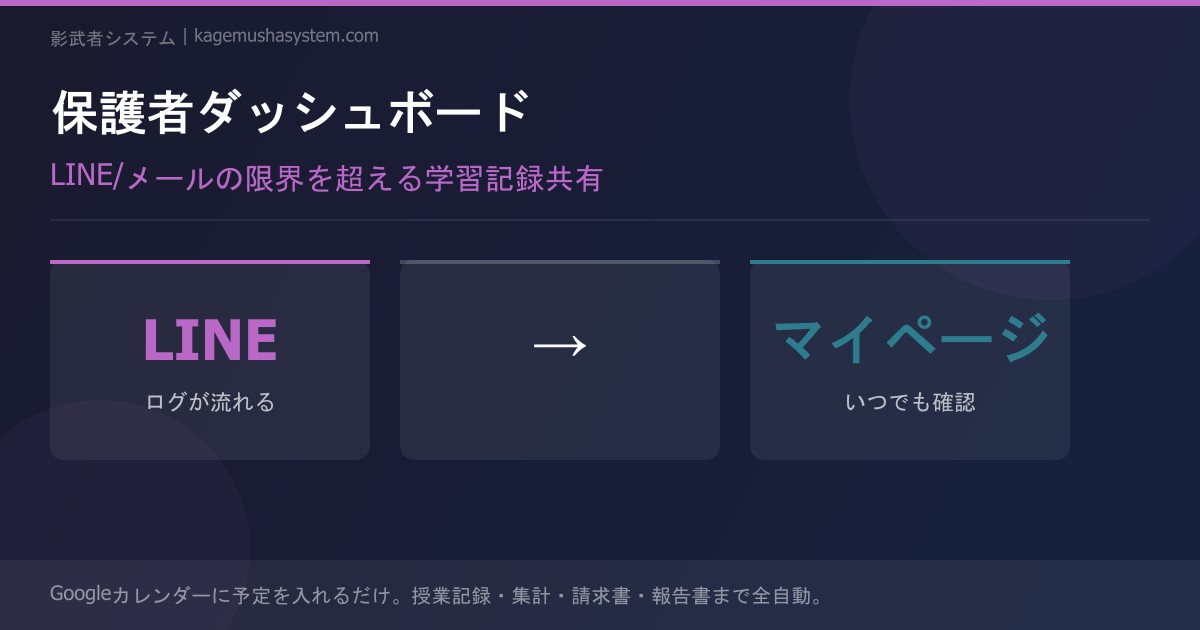
Create a "My Page" for parents.
A unique URL is generated for each student, and parents can access it anytime from their smartphone. On that page, they'll find:
| Information | LINE / Email | Dashboard |
|---|---|---|
| This month's lesson records | Scroll back through chats | View the full list instantly |
| Records from the past 3 months | Nearly impossible to find | Complete history available |
| Attendance | Count manually | Auto-calculated and displayed |
| This month's fees | Dig through invoice emails | Always visible |
| Homework details | Buried in LINE chat history | Linked to each lesson record |
Visibility Builds Trust
Every time a parent opens the dashboard, they think:
"This tutor really has things under control."
That feeling is a more powerful source of trust than even the most carefully written LINE message.
Trust Turns into Retention
Trust directly translates to contract renewals.
The moment a parent thinks "I want to switch tutors" doesn't only happen when lesson quality is poor. It also happens when they feel "I'm not sure this tutor is really doing their job."
Keeping information constantly visible through a dashboard is also the most powerful mechanism for preventing cancellations.
Zero Extra Work for Tutors
"But updating a dashboard sounds like a lot of work…"
Here's the key point: You don't have to do anything extra.
After each lesson, you enter a record with a single tap. That's it — the dashboard updates automatically. You don't even need to message parents saying "please check." Notification emails and LINE messages are sent automatically.
Write the record → Compose an email/LINE message → Send it → Check if it was read → Reply to questions
Write the record → Done (auto-published & auto-notified)
How to Use LINE and Email Alongside the Dashboard
"So should I stop using LINE and email entirely?"
Not at all. The dashboard is your foundation for "stock" information.
- Stock information (lesson records, attendance, fees) → Dashboard
- Real-time communication (last-minute rescheduling, sick day notices) → LINE / Email
By separating the two, you leverage LINE's true strength: immediacy. Parents will start to recognize that "a LINE message = something urgent," which actually improves open rates.
Summary
- Sharing lesson reports via LINE or email has a structural problem: messages get buried
- A dedicated parent dashboard accumulates learning records that can be reviewed anytime
- Visibility directly leads to parent trust → contract renewals
- Zero extra work for tutors — just enter your records and the dashboard updates automatically
→ Learn more here
Still managing tutor attendance manually?
Discover Kagemusha System