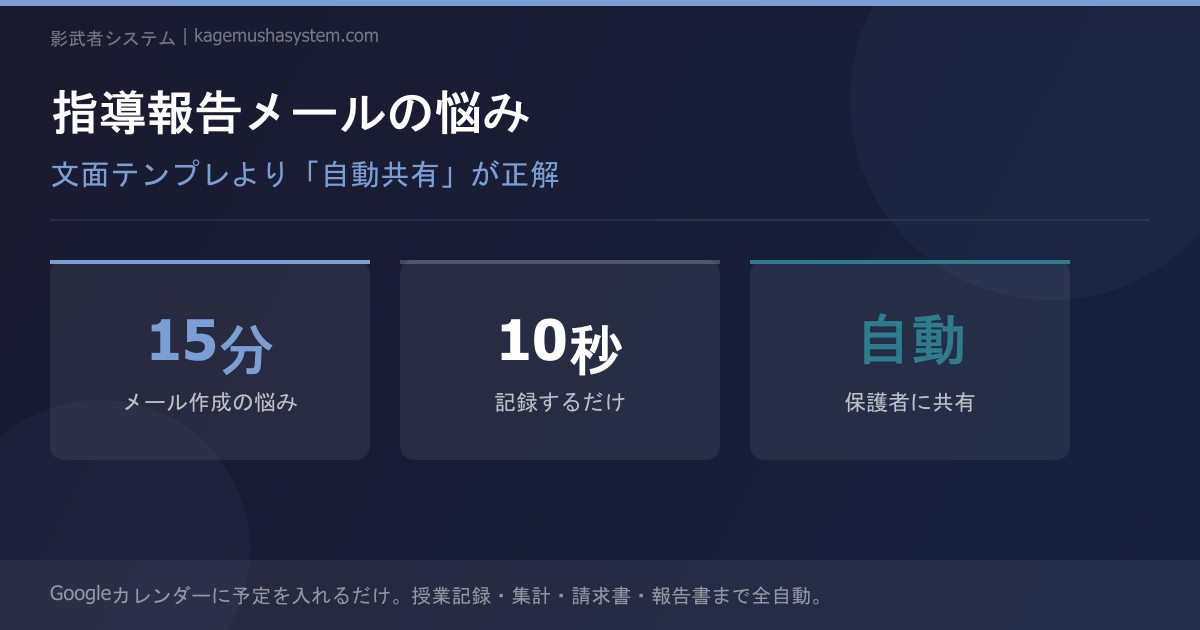
Are You Spending 15 Minutes Agonizing Over Every Parent Email?
The lesson is over. You've logged your notes. Now it's time to email the parents…
Many tutors struggle with how to write lesson report emails. Searching for email templates is one option, but there's actually a far more fundamental solution.
The 3 Problems with Lesson Report Emails
Problem 1: They Take Too Long to Write
Formatting a proper email is more work than you'd think. Crafting a subject line, writing a greeting, getting into the main content, then adding a closing — you end up spending time on "email etiquette" instead of the actual lesson record.
Problem 2: There's No "Right" Way to Write Them
How much detail to include, how to frame negative feedback, what level of formality to use — the right answer varies by family. Templates simply can't cover every situation.
Problem 3: You Forget to Send Them
On busy days, you put it off, and before you know it, three days have passed. From the parent's perspective, "no report = they're not paying proper attention to my child."
A Mindset Shift: From "Writing Emails" to "Sharing Records"
It's time to rethink the approach.
What parents really want to know is not whether your email prose is polished.
- What was covered today?
- How well did my child understand it?
- What's the homework?
- Is the tutor really paying attention to my child?
As long as these four points come through, the job is done. In other words, building a system that instantly shares your records is far more practical than trying to improve your email-writing skills.
How Auto-Sharing Works
Lesson Ends
You receive a "Log" button via email. Tap it on your phone.
Enter 3 Items (10 Seconds)
Fill in "Lesson Content," "Homework," and "Comprehension Level." No need to agonize over wording.
Auto-Delivered to Parents
Your input is instantly reflected on the parent dashboard. A notification is also sent via email or LINE.
All the tutor does is "record the facts." The entire task of "formatting a proper email" simply disappears.
The Parent Dashboard: A Third Option
Neither email nor LINE — this is a dedicated parent portal.
Parents can check the following on their phone at any time:
- This month's lesson records at a glance
- Content, homework, and comprehension level for each lesson
- Attendance history
- Monthly fees
Tutor writes an email → Parent searches for the email → Past emails get buried → "What did we cover last month?" comes up again
Tutor logs a record → Auto-synced → Parents can view the full history anytime → Transparency builds peace of mind
Emails get buried. LINE messages scroll away. But the dashboard stays. When parents want to look back at last month's lessons, there's no need to dig through their inbox.
What Works Better Than Email Templates
Email templates only solve the "how do I start?" problem.
The real issues are:
- No time to write → Solved by auto-sharing
- Don't know how to phrase it → Just record the facts — no phrasing needed
- Forget to send → Solved by auto-notifications
- Can't find past reports → Solved by the dashboard
Summary
- The time you spend agonizing over lesson report emails can be eliminated with the right system
- Parents don't want beautifully written emails — they want facts, shared immediately
- A dashboard keeps records accessible and searchable, unlike emails that get lost
- Tutors only need to focus on "recording." Let the system handle formatting and delivery
→ Learn more here
Still managing tutor attendance manually?
Discover Kagemusha System