"You're Still Writing Reports by Hand?"
The lesson is over. The student has left. Now it's time for the second job.
Do this every day, and you're spending over 10 hours a month on reports alone.
That's time you could have spent on lesson planning or analyzing your students' weak points.
The True Cost of Report Writing
At a rate of ¥2,500/hour, that's ¥25,000 worth of labor per month going to reports. Over a year, that's ¥300,000.
And this work is error-prone:
- Getting the date wrong
- Mixing up last week's content with this week's
- Missing details that trigger follow-up questions from parents
The pressure to "get it right" eats up even more time.
The Solution: Separate "Recording" from "Reporting"
Here's where you need to shift your thinking.
Reports are painful because "recording the lesson" and "formatting a polished report" are tangled together.
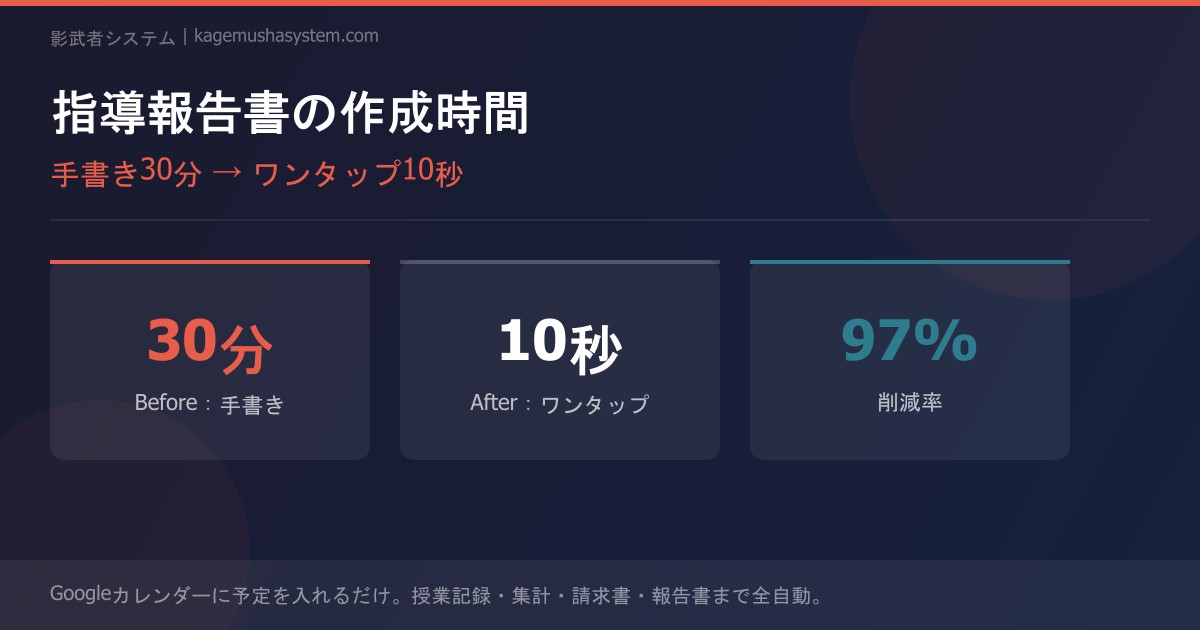
Lesson ends → Recall the content → Open Excel → Format and fill in → Email the parent → 30 minutes
Lesson ends → One tap on your phone → Enter content, homework & comprehension level → Report auto-generated & auto-sent → 10 seconds
Focus only on "recording," and the system takes care of turning it into a proper report.
How the Automation Actually Works
Step 1: Add the Lesson to Google Calendar
Just do what you already do—add an event like "Tanaka – Math" to Google Calendar. This becomes the starting point for full automation.
Step 2: A "Magic Button" Arrives After the Lesson
When the lesson ends, you receive an email with a link to log your notes. Open it, and you'll see:
- Lesson content (free-form text)
- Homework (assignments for next time)
- Comprehension level (multiple choice)
Just fill in these three fields. No formatting required.
Step 3: The Report Is Auto-Generated
Your input is automatically:
- Reflected on the parent dashboard (parents can check anytime on their phone)
- Sent to parents via email or LINE as an automatic notification
- Stored in a spreadsheet (ready to use for monthly summaries)
The Critical Difference from "AI-Written Reports"
Lately, more services use ChatGPT to auto-generate lesson reports. They look convenient, but there's a catch.
Parents can tell.
"This week, the student engaged enthusiastically and steadily deepened their understanding"—if that same kind of language shows up every week, any parent will wonder, "Did the tutor actually write this?"
That's why what you should automate is "admin work," not "writing."
When a tutor types "Today we worked on finding the vertex of quadratic functions. He struggled at first, but by the third problem he was solving them on his own"—that takes 10 seconds. And those authentic words resonate with parents far more than any AI-generated text ever could.
Month-End Summaries Are Automated Too
When you log each lesson's report, by the end of the month the data is already compiled.
- Total lessons this month
- Summary of each lesson's content
- Trends in student comprehension
Zero manual tallying required. Those late nights at month-end simply disappear.
Conclusion: Automate the "Volume" to Raise the "Quality" of Your Reports
Making reports more efficient doesn't mean cutting corners.
It means eliminating admin work so you can focus on your own words.
- Time spent on formatting → Automated by the system
- Hassle of sending to parents → Automatic notifications
- Month-end tallying → Automatic data accumulation
Use the time you save to add one line of genuine, personalized advice for each student. That one line is your unique value—something AI can never replicate.
→ Learn more here
Still managing tutor attendance manually?
Discover Kagemusha System